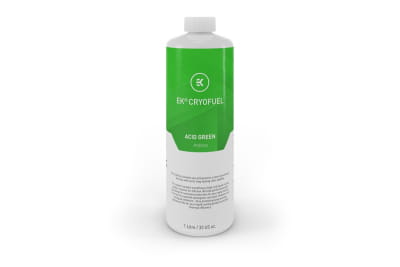
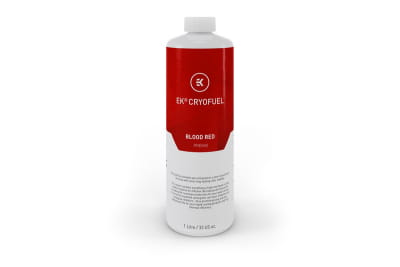
Coolant for PC Water Cooling – Reliable Cooling Fluid for Stable Performance
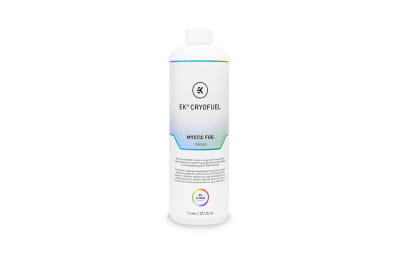
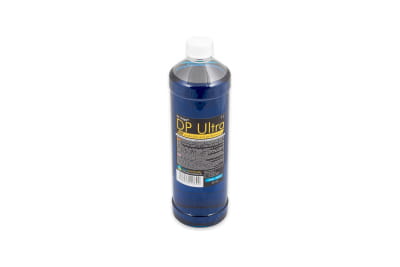
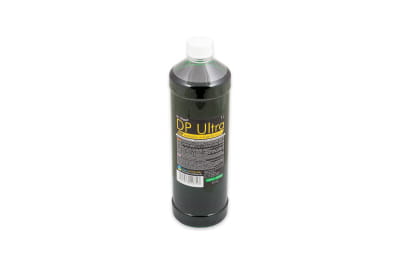
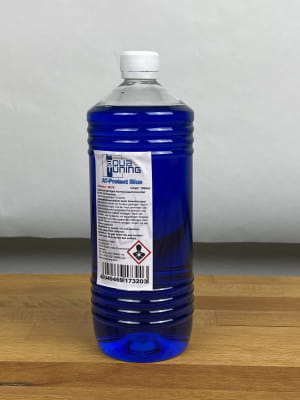
Coolant is the core component of every water cooling system. It absorbs heat where it is generated and releases it later through the cooling loop so it can dissipate from the system. But that’s not all: coolant for PC water cooling also protects against corrosion and prevents deposits from forming inside the loop. In our shop, you can buy PC coolant in different variants as ready-to-use mixtures or concentrates, along with the right filling accessories for easy maintenance.
Why the Right Coolant for Your PC Is So Important
Coolant for PC water cooling is not just ordinary water. Instead, it is a specially formulated liquid designed to fulfill several critical functions within a custom water cooling loop:
Heat Transfer: The coolant transports heat from the CPU and GPU to the radiator. The quality of the liquid determines the overall cooling performance and how efficiently heat can be absorbed and dissipated. Special additives can slightly improve thermal efficiency.
Corrosion Protection: A PC water cooling loop often contains different metals such as copper and brass. Without proper additives, electrochemical reactions may occur. That’s why high-quality PC coolants always contain anti-corrosion additives to protect your hardware.
Protection Against Deposits: Regular water can lead to biofilm buildup, algae growth, and particle contamination over time. These issues can clog fine cooling channels inside water blocks. Coolant for PC water cooling systems contains additives specifically designed to prevent these problems.
Important: In a PC water cooling setup, coolant is not only responsible for transporting heat but also performs several essential protective functions. That’s why it is important to use the right coolant for your water cooling system and match it to your specific setup.
What Types of Coolant Are Available for PC Water Cooling?
Our range includes different types of PC coolants for custom water cooling systems. Generally, we distinguish between ready-to-use mixtures and concentrates.
Ready-to-Use Coolant
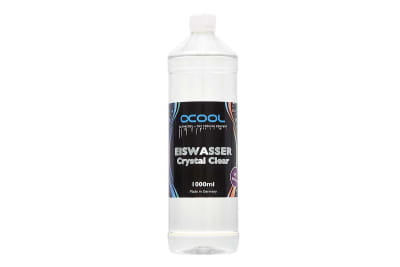
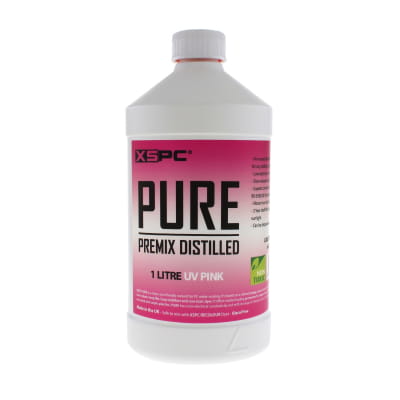
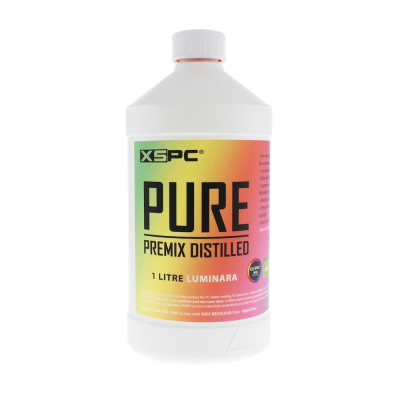
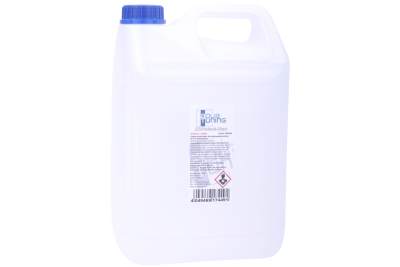
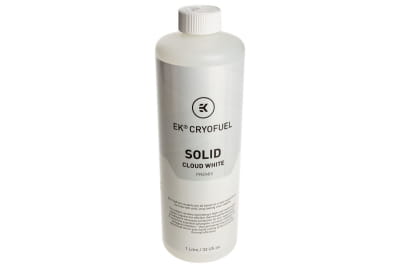
A ready-to-use coolant comes pre-mixed and can be used immediately. It usually consists of distilled water and various additives. The main advantage is convenience: you do not need to mix the liquid yourself and benefit from a perfectly balanced formula. Therefore, ready-mixed coolant for PC water cooling is especially recommended for beginners.
Small disadvantage: Ready-made mixtures offer less flexibility and are generally slightly more expensive.
Concentrate – Mix Your Own Coolant
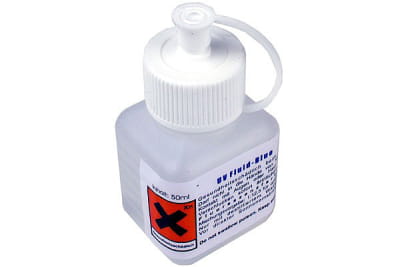
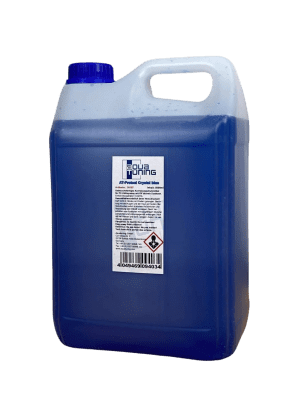
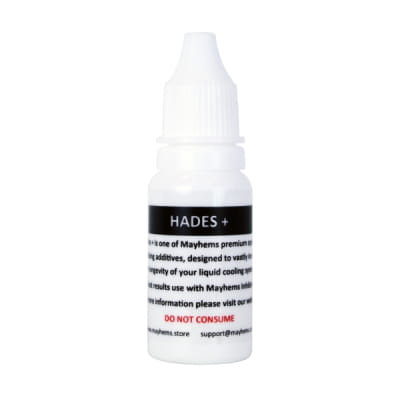
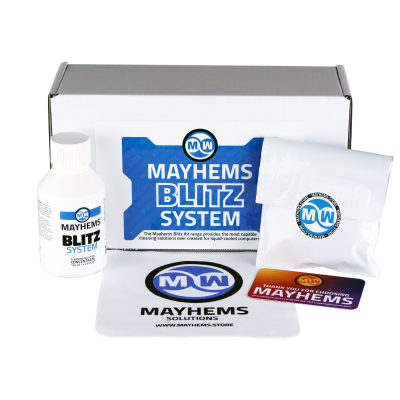
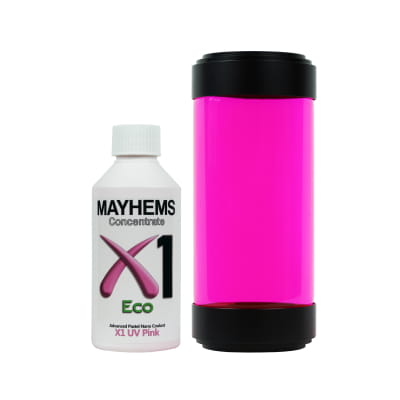
A coolant concentrate for PC water cooling allows individual dosing and helps reduce costs. Typically, the concentrate is mixed with distilled water at a ratio of around 5–15% and is then ready to use. Additionally, you can customize the mixing ratio, which often allows for more vibrant colors.
The downside: DIY mixing can lead to mistakes that may cause corrosion or deposits inside the system. Also important: always mix coolant concentrates with distilled water, never with regular tap water.
Coolant Water in PCs – Why Tap Water Is Not an Alternative
Although tap water is subject to strict quality standards, it still contains dissolved minerals, residues, and tiny particles. This makes it unsuitable as coolant for PC water cooling, since it can lead to corrosion, biofilm buildup, or even hardware damage.
However, distilled water alone is not sufficient either. While it offers good thermal capacity and is free from many contaminants, it still lacks protection against corrosion and deposits. Algae growth and material damage may still occur over time. Therefore, you should always use PC coolants with proper additives, either as concentrates or ready-made mixtures.
Which Coolant Is Right for Your System?
Not sure which coolant for your PC water cooling system is the right choice? Here are a few tips:
Experience Level: Beginners should preferably choose ready-made coolants to avoid dosing mistakes. Advanced users can work with concentrates and create custom mixtures.
System Setup: Simple loops usually only require a standard coolant. More complex systems benefit from high-quality additives that provide better protection against deposits and corrosion.
Appearance: Colored coolant for PC water cooling creates impressive visual effects but may require more maintenance. Clear liquids are generally easier to maintain.
Note: Different coolants should generally not be mixed together unless they share the same chemical base. Beginners especially should avoid mixing products.
Maintenance and Coolant Replacement
Depending on the type of coolant, it should be replaced every 6–12 months. Typical signs that a replacement is needed include cloudiness, color changes, or particle formation. Before refilling, the system should always be completely drained and flushed.
Important: Regular maintenance extends the lifespan of all components. Leaving coolant in the system for too long is one of the most common mistakes in PC water cooling.
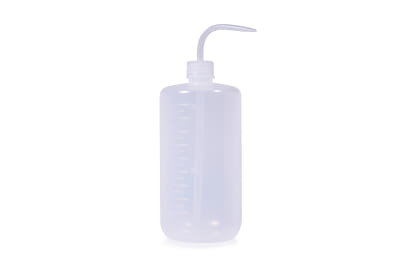
Tip: In our shop, you can order not only coolant for your water cooling system, but also practical filling accessories such as funnels and filling bottles. These help ensure clean filling and reduce the amount of trapped air inside the loop.
Buy PC Coolant – For Long-Lasting Systems and Maximum Efficiency
Coolant is essential for the efficiency and longevity of your entire cooling system and helps protect your valuable hardware. In our shop, you can buy ready-made coolants, concentrates, and practical accessories for every type of custom water cooling setup. If you have any questions or need personal advice, our team will be happy to assist you.