PC Fan Filters: Effective Protection Against Dust and Dirt

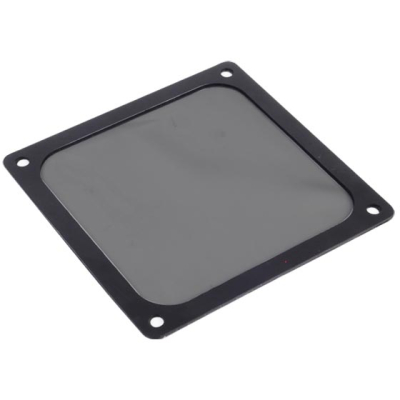
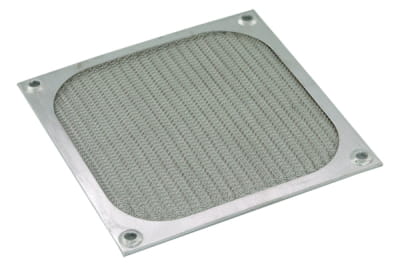
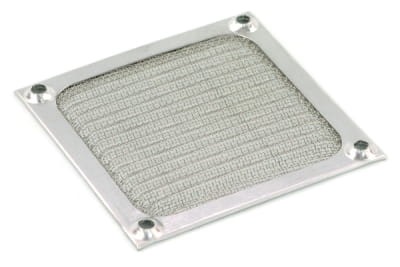
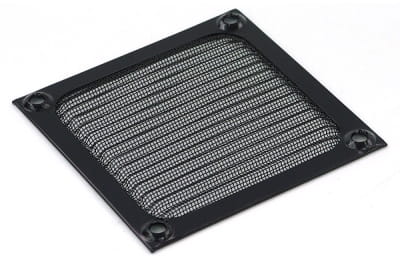
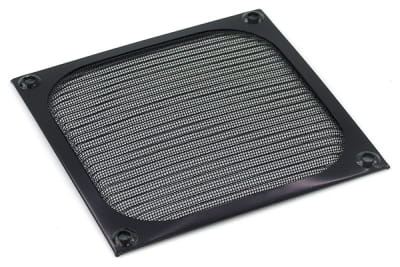
PC fan filters protect the inside of your computer from dust and dirt particles. With a fan filter installed, PC air cooling works consistently and sensitive components remain protected from overheating. In our shop you can buy PC dust filters in various sizes, with different mounting systems and features. We also provide all the information you need to choose the best fan filter for your PC – and we are happy to assist you with personal advice if required.

PC fan filters protect the inside of your computer from dust and dirt particles . With a fan filter installed, PC air cooling works consistently and sensitive components remain protected from... read more »
Close window
PC Fan Filters: Effective Protection Against Dust and Dirt

PC fan filters protect the inside of your computer from dust and dirt particles. With a fan filter installed, PC air cooling works consistently and sensitive components remain protected from overheating. In our shop you can buy PC dust filters in various sizes, with different mounting systems and features. We also provide all the information you need to choose the best fan filter for your PC – and we are happy to assist you with personal advice if required.

What is a PC fan filter and why is it needed?

Fan filters are used wherever sensitive devices need protection from dust and particles. Classic fan filters or case filters can be found on air conditioning systems, vacuum cleaners and, of course, computers.

PC fan filters effectively prevent dust, dirt, pollen, hair and other particles from entering the computer case. This prevents contamination of sensitive components. This is important for several reasons:

  • Dust deposits on heat-sensitive components increase thermal resistance and lead to higher temperatures.
  • Dust buildup on heatsinks or fan blades reduces cooling efficiency.
  • Clean airflow paths ensure stable airflow and better heat dissipation.
  • Dirt and debris can reduce the lifespan of sensitive components.
  • Dust can easily be removed from the filter – cleaning the inside of the PC is much more complicated.

Who needs a PC fan filter?

PC fan filters are common components and widely used in modern systems. Gaming PCs benefit from case filters because high-performance components remain free of dust and cooling efficiency stays high. Fan filters are also important for workstations and office PCs to maintain a dust-free environment and ensure long hardware lifespan. Discover our dust filters for gaming PCs, workstations and more.

Finding the best PC fan filter – buying tips

PC fan filters mainly differ in materials, filter density, size and mounting method. To help you choose the right filter for your system, we explain the most important differences below.

Materials used for PC fan filters

The filter mesh for PC fan filters can be made from different materials. Typically, three main options are available, each offering specific advantages:

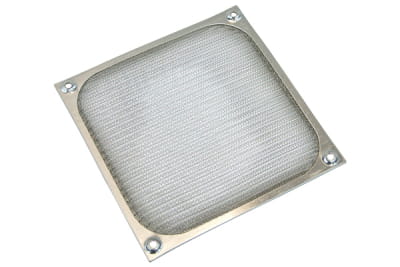
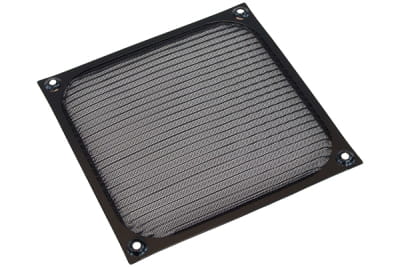
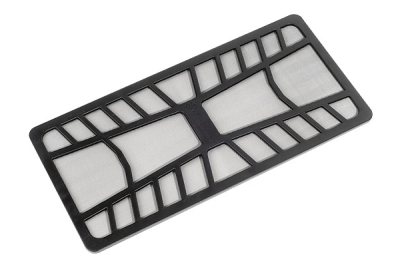
  • Metal mesh: usually made of aluminum or stainless steel, extremely durable and washable, provides coarse to medium filtration.
  • Plastic mesh: lightweight, very affordable, washable and available in different filter densities.
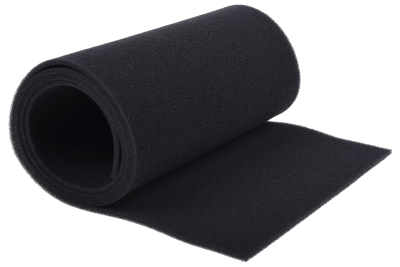
  • Foam filters: open-pore material with very high filtration efficiency and easy replacement if necessary.

Filter density

A PC fan filter must be fine enough to capture dust effectively while still allowing stable airflow. For this reason, our shop offers coarse and fine PC dust filters.

Sizes for PC fan filters

PC fan filters are available in several square standard sizes with side lengths of:

  • 80 mm
  • 92 mm
  • 120 mm
  • 140 mm

We also offer rectangular models. Always check the product description to verify the exact dimensions. In some cases it can be beneficial to choose a slightly larger PC fan filter to ensure there are no gaps during installation.

Tip: For highly customized solutions you can also purchase only the filter mesh and cut it to the required size. This option is also useful if you want to replace the foam mesh in an existing PC fan filter.

Mounting a PC fan filter

There are several mounting options available:

  • Screw mounting
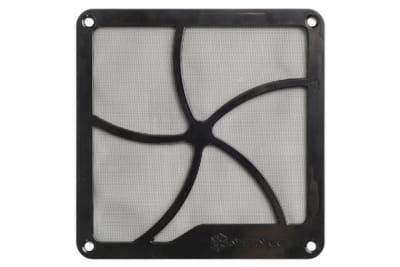
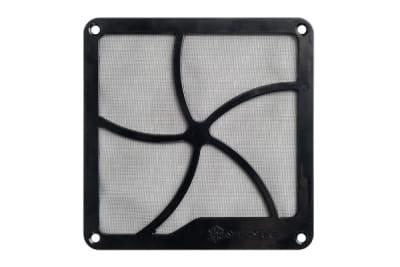
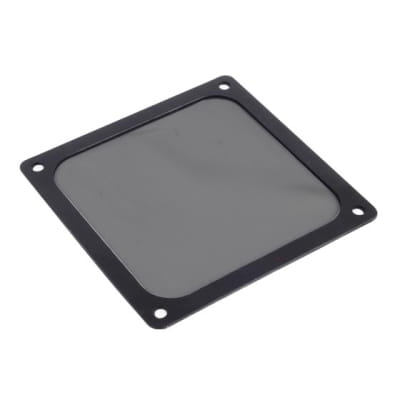
  • Magnetic frame
  • Clip mounting
  • Frameless filters

Screw mounts provide a stable connection and secure fit with minimal gaps. Magnetic frames can be installed on metal cases without tools and easily removed for cleaning. Clip-on filters also allow tool-free installation but require compatible mounting clips. Frameless filter mats are cut-to-fit solutions that are placed directly over the opening and secured in place.

How do PC fan filters affect airflow and noise?

Using a PC fan filter is recommended to protect the inside of the computer from contamination. However, installing a filter can slightly affect airflow performance and acoustics:

  • A filter always creates some airflow resistance. Therefore it should be chosen so that it does not restrict airflow too much.
  • Filters can increase friction and therefore noise levels. Regular cleaning is important because dirty filters create more airflow resistance and increase noise.

Important: PC fan filters should be cleaned regularly. Cleaning frequency depends on the dust level of the environment. On average, cleaning intervals range from once per month to once per quarter. The cleaning method depends on the material: many filters can be washed with water, while others should be vacuumed or cleaned with compressed air.

Buy PC fan filters: large selection with personal advice

In our shop you will find high-quality PC fan filters from brands such as Silverstone and Phobya as well as our own Aquatuning brand. Improve the lifespan and performance of your PC components by protecting them from dust and dirt. Not sure which PC fan filter you should buy? Our team will be happy to provide personal advice. Of course we can also assist you with questions about liquid cooling, cases and hardware and much more.

Close filters
 
  •  
  •  
  •  
from to
  •  
  •  
Page
No results were found for the filter!
LZ Lüfterfilter 120mm Farbe schwarz
air filter 120mm color black
Available
LZ Silverstone Lüfterfilter Magnetisch SST-FF143B
LZ Silverstone Fan Filter Magnetic SST-FF143B
Available
LZ Lüfterfilter 120mm Farbe silber
air filter 120mm color silver
Available
LZ Lüfterfilter 80mm Farbe silber
air filter 80mm color silver
Available
LZ Lüfterfilter 92mm Farbe schwarz
Fan filter 92mm black
Available
25%
LZ Lüfterfilter 140mm Farbe silber
Fan filter 140mm colour silver
Available
LZ Lüfterfilter 140mm Farbe schwarz
Air filter 140mm colour black
Available
LZ Silverstone Lüfterfilter Magnetisch SST-FF141B 140mm
Silverstone fan filter magnetic SST-FF141B 140mm
Available
LZ Phobya Lüfterfilter 120mm - schwarz EOL
Phobya fan filter 120mm - black
Available
LZ Silverstone Lüfterfilter Magnetisch SST-FF122B 120mm EOL
Silverstone fan filter magnetic SST-FF122B 120mm
Available
LZ Silverstone Lüfterfilter Magnetisch SST-FF142B 2x140mm
Silverstone fan filter magnetic SST-FF142B 2x140mm
Available
LZ Silverstone Lüfterfilter Magnetisch SST-FF123B
LZ Silverstone Fan Filter Magnetic SST-FF123B
Available
LZ Phobya DustCover Pro 100x20cm - Black
Phobya DustCover Pro 100x20cm - Black
Available
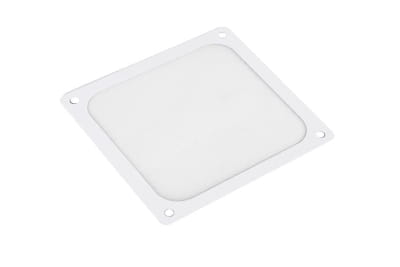
LZ Silverstone Lüfterfilter Magnetisch SST-FF123W - White
Silverstone fan filter magnetic SST-FF123W - white
Available
Page

Our top sellers

What is a PC fan filter and why is it needed?

Fan filters are used wherever sensitive devices need protection from dust and particles. Classic fan filters or case filters can be found on air conditioning systems, vacuum cleaners and, of course, computers.

PC fan filters effectively prevent dust, dirt, pollen, hair and other particles from entering the computer case. This prevents contamination of sensitive components. This is important for several reasons:

  • Dust deposits on heat-sensitive components increase thermal resistance and lead to higher temperatures.
  • Dust buildup on heatsinks or fan blades reduces cooling efficiency.
  • Clean airflow paths ensure stable airflow and better heat dissipation.
  • Dirt and debris can reduce the lifespan of sensitive components.
  • Dust can easily be removed from the filter – cleaning the inside of the PC is much more complicated.

Who needs a PC fan filter?

PC fan filters are common components and widely used in modern systems. Gaming PCs benefit from case filters because high-performance components remain free of dust and cooling efficiency stays high. Fan filters are also important for workstations and office PCs to maintain a dust-free environment and ensure long hardware lifespan. Discover our dust filters for gaming PCs, workstations and more.

Finding the best PC fan filter – buying tips

PC fan filters mainly differ in materials, filter density, size and mounting method. To help you choose the right filter for your system, we explain the most important differences below.

Materials used for PC fan filters

The filter mesh for PC fan filters can be made from different materials. Typically, three main options are available, each offering specific advantages:

  • Metal mesh: usually made of aluminum or stainless steel, extremely durable and washable, provides coarse to medium filtration.
  • Plastic mesh: lightweight, very affordable, washable and available in different filter densities.
  • Foam filters: open-pore material with very high filtration efficiency and easy replacement if necessary.

Filter density

A PC fan filter must be fine enough to capture dust effectively while still allowing stable airflow. For this reason, our shop offers coarse and fine PC dust filters.

Sizes for PC fan filters

PC fan filters are available in several square standard sizes with side lengths of:

  • 80 mm
  • 92 mm
  • 120 mm
  • 140 mm

We also offer rectangular models. Always check the product description to verify the exact dimensions. In some cases it can be beneficial to choose a slightly larger PC fan filter to ensure there are no gaps during installation.

Tip: For highly customized solutions you can also purchase only the filter mesh and cut it to the required size. This option is also useful if you want to replace the foam mesh in an existing PC fan filter.

Mounting a PC fan filter

There are several mounting options available:

  • Screw mounting
  • Magnetic frame
  • Clip mounting
  • Frameless filters

Screw mounts provide a stable connection and secure fit with minimal gaps. Magnetic frames can be installed on metal cases without tools and easily removed for cleaning. Clip-on filters also allow tool-free installation but require compatible mounting clips. Frameless filter mats are cut-to-fit solutions that are placed directly over the opening and secured in place.

How do PC fan filters affect airflow and noise?

Using a PC fan filter is recommended to protect the inside of the computer from contamination. However, installing a filter can slightly affect airflow performance and acoustics:

  • A filter always creates some airflow resistance. Therefore it should be chosen so that it does not restrict airflow too much.
  • Filters can increase friction and therefore noise levels. Regular cleaning is important because dirty filters create more airflow resistance and increase noise.

Important: PC fan filters should be cleaned regularly. Cleaning frequency depends on the dust level of the environment. On average, cleaning intervals range from once per month to once per quarter. The cleaning method depends on the material: many filters can be washed with water, while others should be vacuumed or cleaned with compressed air.

Buy PC fan filters: large selection with personal advice

In our shop you will find high-quality PC fan filters from brands such as Silverstone and Phobya as well as our own Aquatuning brand. Improve the lifespan and performance of your PC components by protecting them from dust and dirt. Not sure which PC fan filter you should buy? Our team will be happy to provide personal advice. Of course we can also assist you with questions about liquid cooling, cases and hardware and much more.