Air cooler PC

PC Fans: Efficient Air Cooling for Maximum Performance

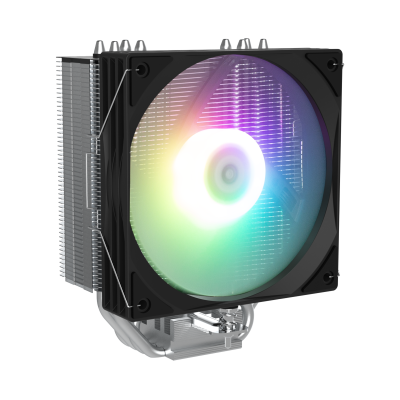
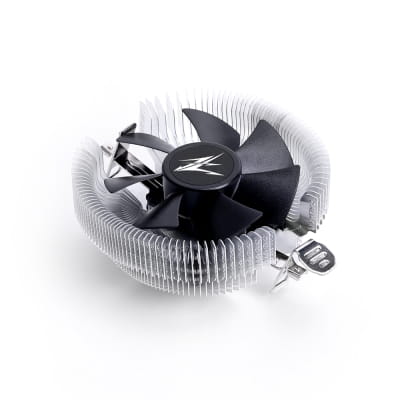
A PC fan or PC air cooling system is the classic solution for cooling your CPU, GPU, and hard drive. A high-quality PC fan reliably dissipates the heat generated inside your computer to the outside. This ensures that PC cooling protects processors, graphics cards, and other heat-sensitive components from overheating. Here you can order all the components you need for an efficient PC air cooling setup — for example, CPU air coolers, hard drive coolers, or fan grills and filters.

PC Fans: Efficient Air Cooling for Maximum Performance A PC fan or PC air cooling system is the classic solution for cooling your CPU, GPU, and hard drive. A high-quality PC fan reliably... read more »
Close window
Air cooler PC

PC Fans: Efficient Air Cooling for Maximum Performance

A PC fan or PC air cooling system is the classic solution for cooling your CPU, GPU, and hard drive. A high-quality PC fan reliably dissipates the heat generated inside your computer to the outside. This ensures that PC cooling protects processors, graphics cards, and other heat-sensitive components from overheating. Here you can order all the components you need for an efficient PC air cooling setup — for example, CPU air coolers, hard drive coolers, or fan grills and filters.

What Is Air Cooling for PCs?

A PC fan or air cooling system for computers is a cooling method that absorbs the heat generated inside the PC and transports it outwards. The principle: so-called heatsinks absorb the heat from components and release it through an airflow out of the case.

Such a PC air cooling system consists of various components. It can be purchased as a complete set or assembled individually from separate parts.

Why Do You Need a Fan in a PC?

Many computer components generate heat during operation. Especially the processor and graphics card can quickly reach high temperatures. The problem: CPU, GPU, and other parts are sensitive to heat. Excessive temperatures can lead to performance throttling and, in the long term, even to hardware failure.

That’s why reliable PC cooling is essential. The fan ensures that heat is dissipated efficiently, preventing performance loss and costly hardware damage.

Tip: We are often asked at what temperature a PC needs a fan. Based on experience, cooling is highly recommended once temperatures regularly exceed 50 °C — beyond this point, long-term damage to the CPU, GPU, or hard drive may occur.

What Components Make Up a Good Air Cooling System?

An effective PC air cooling system consists of several components. These can be customized or come pre-installed in pre-built systems. If you plan to install a PC fan yourself, you should pay attention to the following elements:

Heatsinks

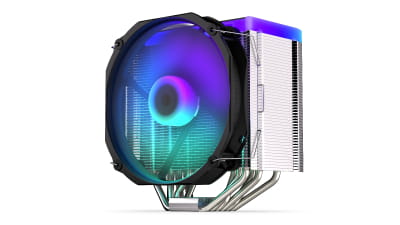
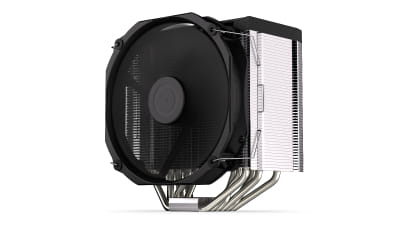
Heatsinks are often made of aluminum or copper because these materials conduct heat particularly well. To ensure optimal heat dissipation, heatsinks have an enlarged surface area, usually designed with fins to enhance airflow and improve the fan’s performance.

Tip: Wondering whether to buy a copper or aluminum heatsink? Copper conducts heat better but is more expensive and heavier. If you’re using high-performance CPUs or overclocking, copper is the better choice. For office PCs or light gaming, an aluminum heatsink is sufficient. Hybrid copper-aluminum versions are also available.

Fans

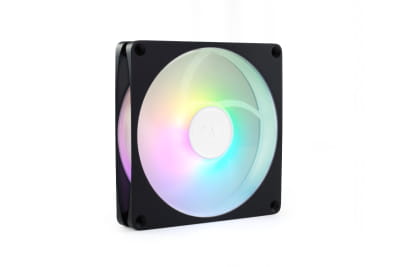
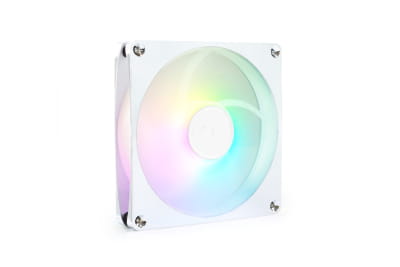
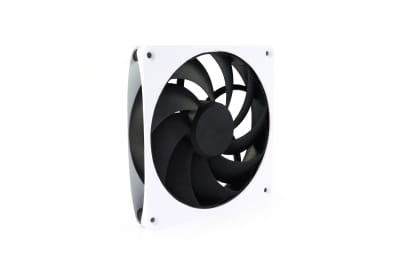
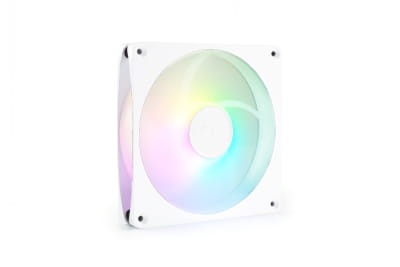
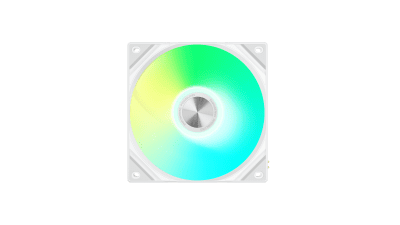
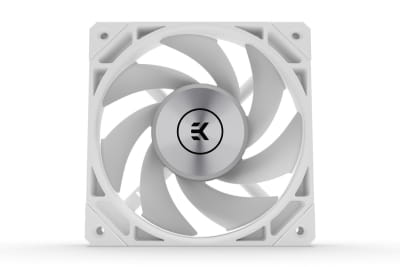
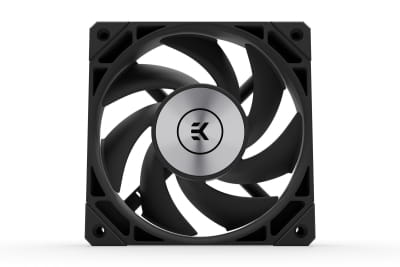
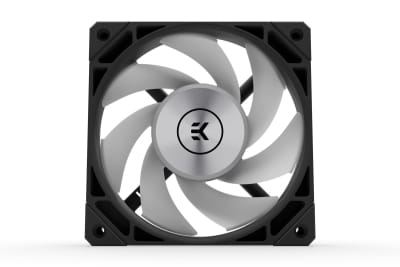
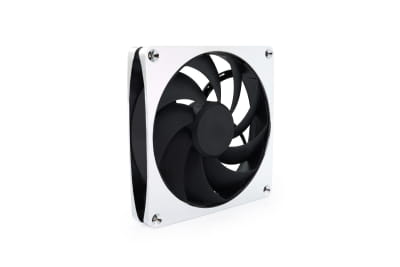
The fan itself ensures that heat is expelled through airflow. To achieve the best results, it’s important to match the fan to your system’s needs — for example, by choosing the right size (120 mm fan, 140 mm fan, etc.). Many modern PC fans also offer adjustable speed control (PWM fans).

Thermal Paste or Thermal Pads

For your PC fan to work efficiently, heat transfer between the component and the heatsink must be as effective as possible. However, small air gaps often exist between surfaces, blocking proper heat dissipation. These can be filled with thermal paste or thermal pads, improving heat conduction and optimizing the performance of your PC air cooling system.

Additional Components and Accessories

Besides the core components, a complete cooling system may include additional parts such as:

  • Control units
  • Fan accessories
  • Passive coolers
  • Fan filters
  • Fan grills

Order high-quality accessories for PC air cooling conveniently online from us.

Buying a PC Fan – What to Consider

If you’re looking to assemble your own PC cooling setup, you’ll find all the necessary components here. Before purchasing, consider the following factors:

  • Size: How much space is available inside your PC case for the cooling components?
  • Performance: How powerful should the fan be, and is a fan controller required?
  • Protection: Fan grills and filters protect the system from dust and debris.
  • Noise Level: Larger fans that rotate more slowly are often quieter and can be a better option.
  • Compatibility: Always check component compatibility to avoid blocking RAM slots or other elements.

Which Is Better: Air Cooling or Water Cooling?

We’re often asked whether air cooling or water cooling is better for a gaming PC. The answer depends on your needs — both systems have their pros and cons. Here’s a brief overview of the advantages and disadvantages of air cooling:

Advantages of Air Cooling

  • Affordable
  • Easy to install
  • Highly efficient
  • Low maintenance
  • No risk of leaks or water damage

Disadvantages of Air Cooling

  • Requires more space
  • Can be noisier under heavy load
  • May be less efficient for extreme gaming or high workloads
  • Less visually appealing than water cooling

Note: The topic of noise levels in air cooling is often misunderstood. With modern, high-quality fans and a well-balanced setup, noise can be kept remarkably low. This ensures that your PC fan runs quietly and efficiently.

Buy PC Air Cooling Systems – Wide Selection and Expert Advice

Build your custom PC air cooling system with components that protect your CPU, GPU, and hard drive from overheating, even under peak performance. We offer premium brands such as Zalman, Arctic, Noctua, and Alphacool.

Need help putting together your cooling setup? Contact us by phone or email — we’ll gladly assist you. If you’re still undecided between air and water cooling, check out our all-in-one water cooling solutions — they also offer great value and easy installation.

Fan filter
Control units
Fan accessories
Passive cooler
Hard disk cooler
CPU - Air cooler
Fan
Fan grille
Close filters
 
  •  
  •  
  •  
  •  
  •  
  •  
  •  
  •  
  •  
  •  
  •  
  •  
  •  
  •  
  •  
  •  
  •  
  •  
  •  
  •  
from to
Page 1 From 14
No results were found for the filter!
NEW
LUC Zalman CNPS4X V2  CPU Kühler - Schwarz
Zalman CNPS4X V2 CPU Kühler - Schwarz
Available soon: Available for pre-order
LUC Zalman CNPS9X Performa Plus - Schwarz
CNPS9X Performa Plus CPU Cooler - Black
Available soon: Available for pre-order
L80 Arctic S8038-7K (80x80x38 mm Lüfter)
Arctic S8038-7K (80x80x38 mm Fan)
Available
L40 Arctic S4028-6K (40x40x28 mm Lüfter)
Arctic S4028-6K (40x40x28 mm Fan)
Available
L12 Arctic S12038-8K (3 Pack)(120x120x38 mm Lüfter)
Arctic S12038-8K (3 Pack)(120x120x38 mm Fan)
Available
L40 Arctic S4028-6K - 5 Pack (40x40x28 mm Lüfter)
Arctic S4028-6K - 5 Pack (40x40x28 mm Fan)
Available
WAH EK Water Blocks EK-M.2 Heatsink für Intel Optane SSD - Black
EK Water Blocks EK-M.2 Heatsink for the Intel Optane SSD - Black
Available
L80 Arctic S8038-10K (80x80x38 mm Lüfter)
Arctic S8038-10K (80x80x38 mm Fan)
Available
L40 Arctic S4028-15K (40x40x28 mm Lüfter)
Arctic S4028-15K (40x40x28 mm Fan)
Available
L40 Arctic S4028-15K - 5 Pack (40x40x28 mm Lüfter)
Arctic S4028-15K - 5 Pack (40x40x28 mm Fan)
Available
L12 Arctic S12038-4K (3 Pack)(120x120x38 mm Lüfter)
Arctic S12038-4K (3 Pack)(120x120x38 mm Lüfter)
Available
L12 Arctic S12038-4K (120x120x38 mm Lüfter)
Arctic S12038-4K (120x120x38 mm Fan)
Available
L12 Arctic S12038-8K (120x120x38 mm Lüfter)
Arctic S12038-8K (120x120x38 mm Fan)
Available
L12 Alphacool Apex Stealth Metall Aurora Lüfter Chrome 2600rpm (120x120x25mm)
Alphacool Apex Stealth Metall Aurora fan chrome 2600rpm (120x120x25mm)
Available
L12 Alphacool Apex Stealth Metall Aurora Lüfter Weiß 2600rpm (120x120x25mm)
Alphacool Apex Stealth Metal Aurora fan white 2600rpm (120x120x25mm)
Available
L12 Alphacool Apex Stealth Metall Aurora Lüfter Matt Schwarz 2600rpm (120x120x25mm)
Alphacool Apex Stealth Metal Aurora fan matte black 2600rpm (120x120x25mm)
Available
LUC be quiet! Pure Rock Slim 3
be quiet! Pure Rock Slim 3
Available
WAH EK Water Blocks EK-Quantum Convection M.2 NVMe - Gold
EK Water Blocks EK-Quantum Convection M.2 NVMe - Gold
Available
Page 1 From 14

What Is Air Cooling for PCs?

A PC fan or air cooling system for computers is a cooling method that absorbs the heat generated inside the PC and transports it outwards. The principle: so-called heatsinks absorb the heat from components and release it through an airflow out of the case.

Such a PC air cooling system consists of various components. It can be purchased as a complete set or assembled individually from separate parts.

Why Do You Need a Fan in a PC?

Many computer components generate heat during operation. Especially the processor and graphics card can quickly reach high temperatures. The problem: CPU, GPU, and other parts are sensitive to heat. Excessive temperatures can lead to performance throttling and, in the long term, even to hardware failure.

That’s why reliable PC cooling is essential. The fan ensures that heat is dissipated efficiently, preventing performance loss and costly hardware damage.

Tip: We are often asked at what temperature a PC needs a fan. Based on experience, cooling is highly recommended once temperatures regularly exceed 50 °C — beyond this point, long-term damage to the CPU, GPU, or hard drive may occur.

What Components Make Up a Good Air Cooling System?

An effective PC air cooling system consists of several components. These can be customized or come pre-installed in pre-built systems. If you plan to install a PC fan yourself, you should pay attention to the following elements:

Heatsinks

Heatsinks are often made of aluminum or copper because these materials conduct heat particularly well. To ensure optimal heat dissipation, heatsinks have an enlarged surface area, usually designed with fins to enhance airflow and improve the fan’s performance.

Tip: Wondering whether to buy a copper or aluminum heatsink? Copper conducts heat better but is more expensive and heavier. If you’re using high-performance CPUs or overclocking, copper is the better choice. For office PCs or light gaming, an aluminum heatsink is sufficient. Hybrid copper-aluminum versions are also available.

Fans

The fan itself ensures that heat is expelled through airflow. To achieve the best results, it’s important to match the fan to your system’s needs — for example, by choosing the right size (120 mm fan, 140 mm fan, etc.). Many modern PC fans also offer adjustable speed control (PWM fans).

Thermal Paste or Thermal Pads

For your PC fan to work efficiently, heat transfer between the component and the heatsink must be as effective as possible. However, small air gaps often exist between surfaces, blocking proper heat dissipation. These can be filled with thermal paste or thermal pads, improving heat conduction and optimizing the performance of your PC air cooling system.

Additional Components and Accessories

Besides the core components, a complete cooling system may include additional parts such as:

  • Control units
  • Fan accessories
  • Passive coolers
  • Fan filters
  • Fan grills

Order high-quality accessories for PC air cooling conveniently online from us.

Buying a PC Fan – What to Consider

If you’re looking to assemble your own PC cooling setup, you’ll find all the necessary components here. Before purchasing, consider the following factors:

  • Size: How much space is available inside your PC case for the cooling components?
  • Performance: How powerful should the fan be, and is a fan controller required?
  • Protection: Fan grills and filters protect the system from dust and debris.
  • Noise Level: Larger fans that rotate more slowly are often quieter and can be a better option.
  • Compatibility: Always check component compatibility to avoid blocking RAM slots or other elements.

Which Is Better: Air Cooling or Water Cooling?

We’re often asked whether air cooling or water cooling is better for a gaming PC. The answer depends on your needs — both systems have their pros and cons. Here’s a brief overview of the advantages and disadvantages of air cooling:

Advantages of Air Cooling

  • Affordable
  • Easy to install
  • Highly efficient
  • Low maintenance
  • No risk of leaks or water damage

Disadvantages of Air Cooling

  • Requires more space
  • Can be noisier under heavy load
  • May be less efficient for extreme gaming or high workloads
  • Less visually appealing than water cooling

Note: The topic of noise levels in air cooling is often misunderstood. With modern, high-quality fans and a well-balanced setup, noise can be kept remarkably low. This ensures that your PC fan runs quietly and efficiently.

Buy PC Air Cooling Systems – Wide Selection and Expert Advice

Build your custom PC air cooling system with components that protect your CPU, GPU, and hard drive from overheating, even under peak performance. We offer premium brands such as Zalman, Arctic, Noctua, and Alphacool.

Need help putting together your cooling setup? Contact us by phone or email — we’ll gladly assist you. If you’re still undecided between air and water cooling, check out our all-in-one water cooling solutions — they also offer great value and easy installation.