Kastventilator

Case Fans: Optimize Air Cooling in Your PC

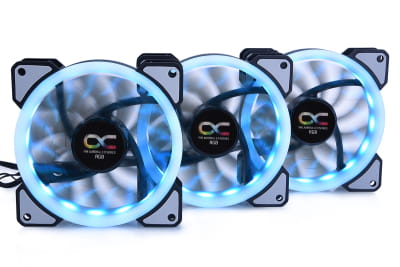
A case fan ensures efficient airflow inside your PC: By circulating air, it reliably cools heat-sensitive components such as the processor, graphics card, and hard drive. Here you can order modern, high-performance case fans with or without RGB lighting from brands like Alphacool, Arctic, or Noiseblocker. Build your customized PC air cooling system with us.

Case Fans: Optimize Air Cooling in Your PC A case fan ensures efficient airflow inside your PC : By circulating air, it reliably cools heat-sensitive components such as the processor,... meer lezen »
Venster sluiten
Kastventilator

Case Fans: Optimize Air Cooling in Your PC

A case fan ensures efficient airflow inside your PC: By circulating air, it reliably cools heat-sensitive components such as the processor, graphics card, and hard drive. Here you can order modern, high-performance case fans with or without RGB lighting from brands like Alphacool, Arctic, or Noiseblocker. Build your customized PC air cooling system with us.

What Is a Case Fan?

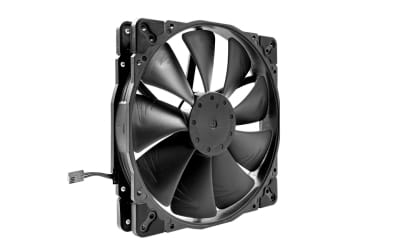
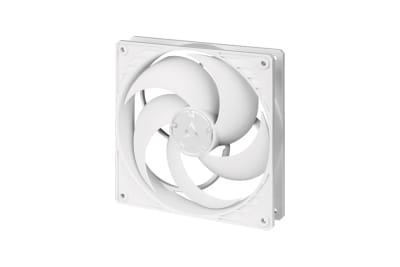
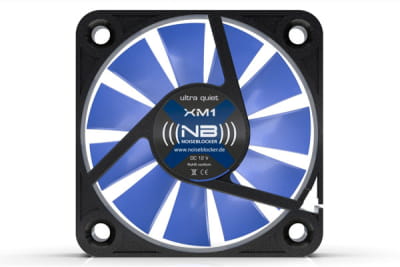
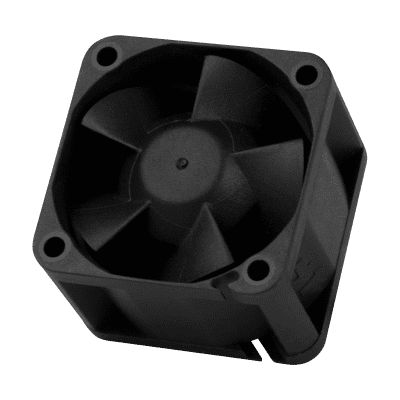
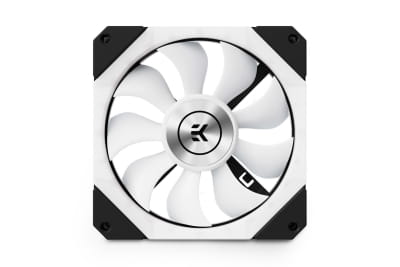
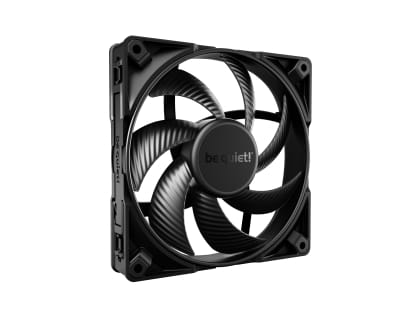
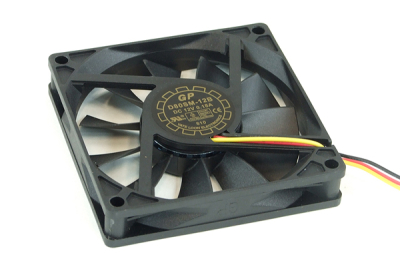
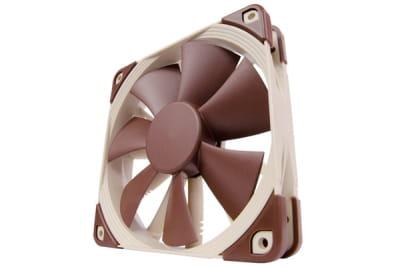
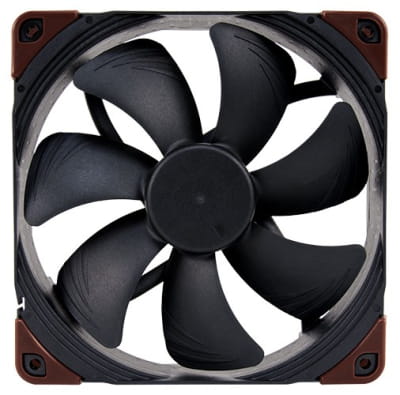
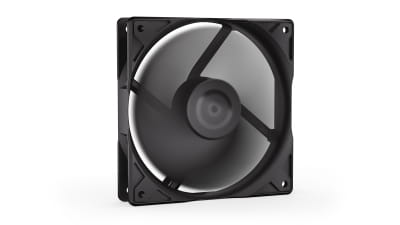
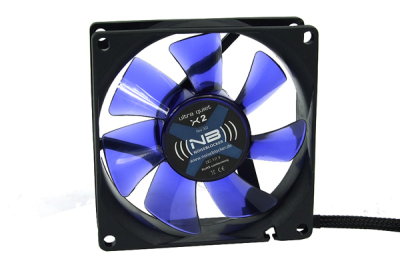
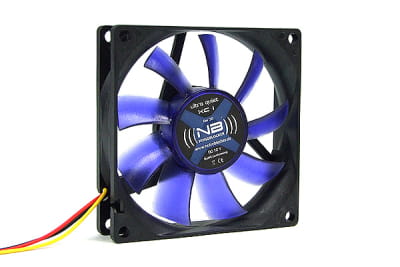
A case fan is a type of ventilator designed to maintain stable airflow within the computer case. It consists of several rotating blades that generate an air current, pushing warm air out of the PC while allowing cool air to enter. To ensure optimal fan performance, correct placement inside the case is essential — most commonly at the front, back, or top.

Why Does a PC Case Need a Fan?

PC hardware components generate heat during operation. This heat must be dissipated because components like the CPU, GPU, and hard drive are sensitive to high temperatures. If heat builds up inside the case, the system may automatically throttle performance — or in the worst case, suffer permanent damage.

These issues can be prevented by installing a case fan that maintains a continuous airflow, helping to lower the internal temperature and protect your hardware.

Choosing the Best Case Fans – Buying Tips

There’s no single “best” case fan — efficiency and noise levels depend on how well the fan suits your specific setup. A PC fan inside the case runs quietly and effectively only when matched to your performance needs. Explore our wide range of case fans and use the following guide to help you make the right purchase.

Case Fan Sizes and Formats

We offer case fans in various sizes and formats:

  • Mini fans
  • Case fans 80 / 92 mm
  • Case fans 120 mm
  • Case fans 140 mm
  • Case fans 200 mm

In general, the smaller the fan, the higher the RPM (rotations per minute) must be — which also means more noise. So if you want a quiet case fan, consider larger models from brands like Alphacool, be quiet!, or Noctua. They move more air even at lower RPMs.

Noise Level and Control

Whether a case fan runs quietly or not depends not only on speed but also on the bearing type (e.g., hydrodynamic vs. ball bearing). Additionally, you can order modern PWM fans from us — these automatically adjust their RPM based on the system temperature.

Accessories and Extras

In our range, you’ll find useful accessories for case fans. Fan filters prevent dust from entering the components, while fan controllers are ideal for setups with multiple fans inside the case to simplify management. RGB case fans provide an aesthetic upgrade with customizable lighting effects.

How Many Case Fans Does a PC Need?

The number of case fans you need depends on your system’s performance goals. For standard office PCs with moderate workloads, one or two fans (intake and exhaust) are usually sufficient. For high-performance or gaming PCs, we recommend installing three to five fans to ensure consistent cooling.

Installing PC Fans – Airflow Direction Matters

When the fan blades spin, air is drawn in from one side and expelled from the other. Therefore, the correct airflow direction must be observed during installation.

Typically, one fan is mounted at the front of the case for air intake, pulling cool air in. Another fan at the back handles the exhaust, pushing hot air out. If airflow direction is ignored, proper air circulation won’t occur, reducing cooling efficiency.

Tip: Most fan frames have a small arrow indicating the direction of airflow. This helps prevent incorrect installation. Also, ensure there are no obstructions to internal airflow and maintain a balanced ratio between intake and exhaust to avoid overpressure or underpressure inside the case.

Buy Case Fans – Wide Selection and Expert Support

Here you can buy powerful 120 mm case fans or larger 140 mm and 200 mm models. Choose from trusted brands like Alphacool and Noiseblocker and enjoy optimal airflow with minimal noise. Whether you prefer RGB-lit fans, PWM-controlled models, or practical accessories — we have the right products for your setup.

If you’re unsure how many case fans you need or which size is best, our team is happy to help. Contact us by phone or through our contact form for personalized advice.

Filters sluiten
 
  •  
  •  
  •  
  •  
  •  
  •  
  •  
  •  
  •  
  •  
van tot
  •  
  •  
  •  
  •  
  •  
  •  
  •  
  •  
  •  
  •  
  •  
  •  
  •  
  •  
  •  
  •  
  •  
  •  
  •  
  •  
  •  
  •  
  •  
  •  
  •  
  •  
  •  
  •  
  •  
  •  
  •  
  •  
  •  
  •  
  •  
  •  
  •  
  •  
  •  
  •  
  •  
  •  
  •  
  •  
  •  
  •  
  •  
  •  
  •  
  •  
  •  
  •  
  •  
  •  
  •  
  •  
  •  
  •  
  •  
  •  
  •  
  •  
  •  
  •  
  •  
  •  
  •  
  •  
  •  
  •  
  •  
  •  
  •  
  •  
  •  
  •  
  •  
  •  
  •  
  •  
  •  
  •  
  •  
  •  
  •  
  •  
  •  
  •  
  •  
  •  
  •  
  •  
  •  
  •  
  •  
  •  
  •  
  •  
  •  
  •  
  •  
  •  
  •  
  •  
  •  
  •  
  •  
  •  
  •  
  •  
  •  
  •  
  •  
  •  
  •  
  •  
  •  
  •  
  •  
  •  
  •  
  •  
  •  
  •  
  •  
  •  
  •  
  •  
  •  
  •  
  •  
  •  
  •  
  •  
  •  
  •  
  •  
  •  
  •  
  •  
  •  
  •  
  •  
  •  
  •  
  •  
  •  
  •  
  •  
  •  
  •  
  •  
  •  
  •  
  •  
  •  
  •  
  •  
  •  
  •  
  •  
  •  
  •  
  •  
  •  
  •  
  •  
  •  
  •  
  •  
  •  
  •  
  •  
  •  
  •  
  •  
  •  
  •  
  •  
  •  
  •  
  •  
  •  
  •  
  •  
  •  
  •  
  •  
  •  
  •  
  •  
  •  
  •  
  •  
  •  
  •  
  •  
  •  
  •  
  •  
  •  
  •  
  •  
  •  
  •  
  •  
  •  
  •  
  •  
  •  
  •  
  •  
  •  
  •  
  •  
  •  
  •  
  •  
  •  
  •  
  •  
  •  
  •  
  •  
  •  
  •  
  •  
  •  
  •  
  •  
  •  
  •  
  •  
  •  
  •  
  •  
  •  
  •  
  •  
  •  
  •  
  •  
  •  
  •  
  •  
  •  
  •  
  •  
  •  
  •  
  •  
  •  
  •  
  •  
  •  
  •  
  •  
  •  
  •  
  •  
  •  
  •  
  •  
  •  
  •  
  •  
  •  
  •  
  •  
  •  
  •  
  •  
  •  
  •  
  •  
  •  
  •  
  •  
Pagina 1 van 7
Geen resultaten gevonden voor de filter!
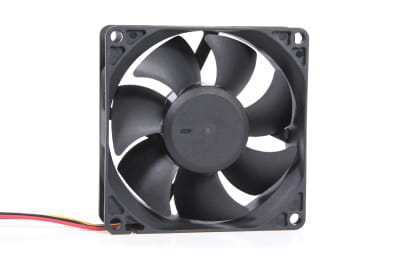
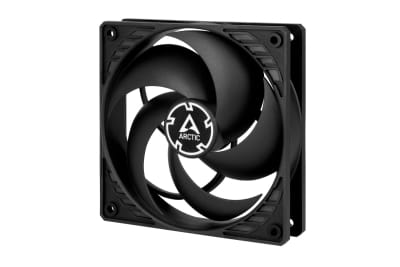
L12 Arctic P12 Pro, schwarz, 120mm
Arctic P12 Pro, schwarz, 120mm
Beschikbaar
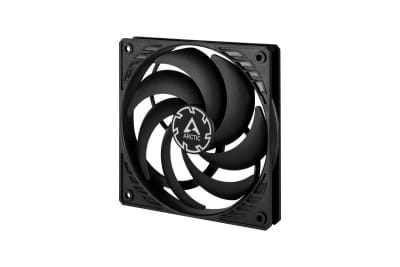
L12 Arctic P12 PWM PST A-RGB 0db - Black
Arctic P12 PWM PST A-RGB 0db - Zwart
Binnenkort weer beschikbaar.
L50 Noiseblocker NB-BlacksilentFan XS2 ( 50x50x10mm )
ruisblokkering NB-BlacksilentFan XS2 (50x50x10mm) 12V DC
Beschikbaar
L12 Arctic P12 PWM PST Gehäuselüfter (120x120x25mm) - Schwarz - 5er Pack
Arctic P12 PWM PST-behuizingsventilator (120x120x25mm) 12V DC - Zwart - Pak van 5
Binnenkort weer beschikbaar.
L12 Noiseblocker NB-BlackSilentPRO PL1 ( 120x120x25mm )
ruisblokkering NB-BlackSilentPRO PL1 (120x120x25mm)
Beschikbaar
L14 Arctic P14 PWM PST - Weiß
Arctic P14 PWM PST - Wit
Beschikbaar
L12 be quiet! SILENT WINGS PRO 4 120mm PWM
wees stil! SILENT WINGS PRO 4 120 mm PWM
Beschikbaar
L22 Noctua NF-A20 HS-PWM chromax.black 200 x 200 mm
Noctua NF-A20 HS-PWM chromax.zwart 200 x 200 mm
Beschikbaar
29%
L12 Alphacool SL-15 PWM Fan 600-1800rpm ( 120x120x15mm )
Alphacool SL-15 PWM-ventilator 600-1800 tpm (120x120x15mm)
Beschikbaar
L14 be quiet! SILENT WINGS PRO 4 140mm PWM
wees stil! SILENT WINGS PRO 4 140 mm PWM
Beschikbaar
34%
Bundle
L12 Alphacool Apex Stealth Metall Lüfter 2000rpm Matt Schwarz (120x120x25mm)
Alphacool Apex Stealth metalen ventilator 2000 tpm mat zwart (120x120x25mm)
Beschikbaar
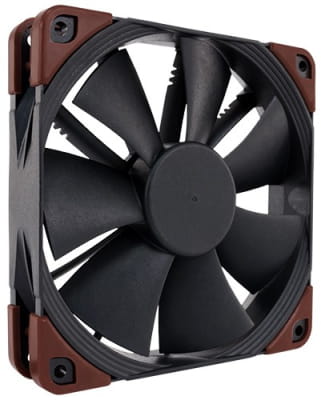
L14 Noctua NF-A14 Indu. 3000 PWM  140x140x25 12V DC| industrial PPC
Noctua NF-A14 Indu. 3000 PWM 140x140x25 12V DC| industriële PPC
Beschikbaar
L12 Alphacool Rise Aurora 120 mm Lüfter (120x120x25mm) PHT EOL
Alphacool Rise Aurora 120 mm ventilator (120x120x25mm)
Beschikbaar
L12 Zalman ZM-AF120 ARGB - Schwarz
Zalman ZM-AF120 ARGB - Zwart
Beschikbaar
L12 Arctic P12 Pro PST, schwarz, 120mm, 5er-Pack
Arctic P12 Pro PST, schwarz, 120mm, 5er-Pack
Beschikbaar
Pagina 1 van 7

What Is a Case Fan?

A case fan is a type of ventilator designed to maintain stable airflow within the computer case. It consists of several rotating blades that generate an air current, pushing warm air out of the PC while allowing cool air to enter. To ensure optimal fan performance, correct placement inside the case is essential — most commonly at the front, back, or top.

Why Does a PC Case Need a Fan?

PC hardware components generate heat during operation. This heat must be dissipated because components like the CPU, GPU, and hard drive are sensitive to high temperatures. If heat builds up inside the case, the system may automatically throttle performance — or in the worst case, suffer permanent damage.

These issues can be prevented by installing a case fan that maintains a continuous airflow, helping to lower the internal temperature and protect your hardware.

Choosing the Best Case Fans – Buying Tips

There’s no single “best” case fan — efficiency and noise levels depend on how well the fan suits your specific setup. A PC fan inside the case runs quietly and effectively only when matched to your performance needs. Explore our wide range of case fans and use the following guide to help you make the right purchase.

Case Fan Sizes and Formats

We offer case fans in various sizes and formats:

  • Mini fans
  • Case fans 80 / 92 mm
  • Case fans 120 mm
  • Case fans 140 mm
  • Case fans 200 mm

In general, the smaller the fan, the higher the RPM (rotations per minute) must be — which also means more noise. So if you want a quiet case fan, consider larger models from brands like Alphacool, be quiet!, or Noctua. They move more air even at lower RPMs.

Noise Level and Control

Whether a case fan runs quietly or not depends not only on speed but also on the bearing type (e.g., hydrodynamic vs. ball bearing). Additionally, you can order modern PWM fans from us — these automatically adjust their RPM based on the system temperature.

Accessories and Extras

In our range, you’ll find useful accessories for case fans. Fan filters prevent dust from entering the components, while fan controllers are ideal for setups with multiple fans inside the case to simplify management. RGB case fans provide an aesthetic upgrade with customizable lighting effects.

How Many Case Fans Does a PC Need?

The number of case fans you need depends on your system’s performance goals. For standard office PCs with moderate workloads, one or two fans (intake and exhaust) are usually sufficient. For high-performance or gaming PCs, we recommend installing three to five fans to ensure consistent cooling.

Installing PC Fans – Airflow Direction Matters

When the fan blades spin, air is drawn in from one side and expelled from the other. Therefore, the correct airflow direction must be observed during installation.

Typically, one fan is mounted at the front of the case for air intake, pulling cool air in. Another fan at the back handles the exhaust, pushing hot air out. If airflow direction is ignored, proper air circulation won’t occur, reducing cooling efficiency.

Tip: Most fan frames have a small arrow indicating the direction of airflow. This helps prevent incorrect installation. Also, ensure there are no obstructions to internal airflow and maintain a balanced ratio between intake and exhaust to avoid overpressure or underpressure inside the case.

Buy Case Fans – Wide Selection and Expert Support

Here you can buy powerful 120 mm case fans or larger 140 mm and 200 mm models. Choose from trusted brands like Alphacool and Noiseblocker and enjoy optimal airflow with minimal noise. Whether you prefer RGB-lit fans, PWM-controlled models, or practical accessories — we have the right products for your setup.

If you’re unsure how many case fans you need or which size is best, our team is happy to help. Contact us by phone or through our contact form for personalized advice.